DIT Streamer
Live camera feed from set to any monitor in the world, with professional monitoring tools.
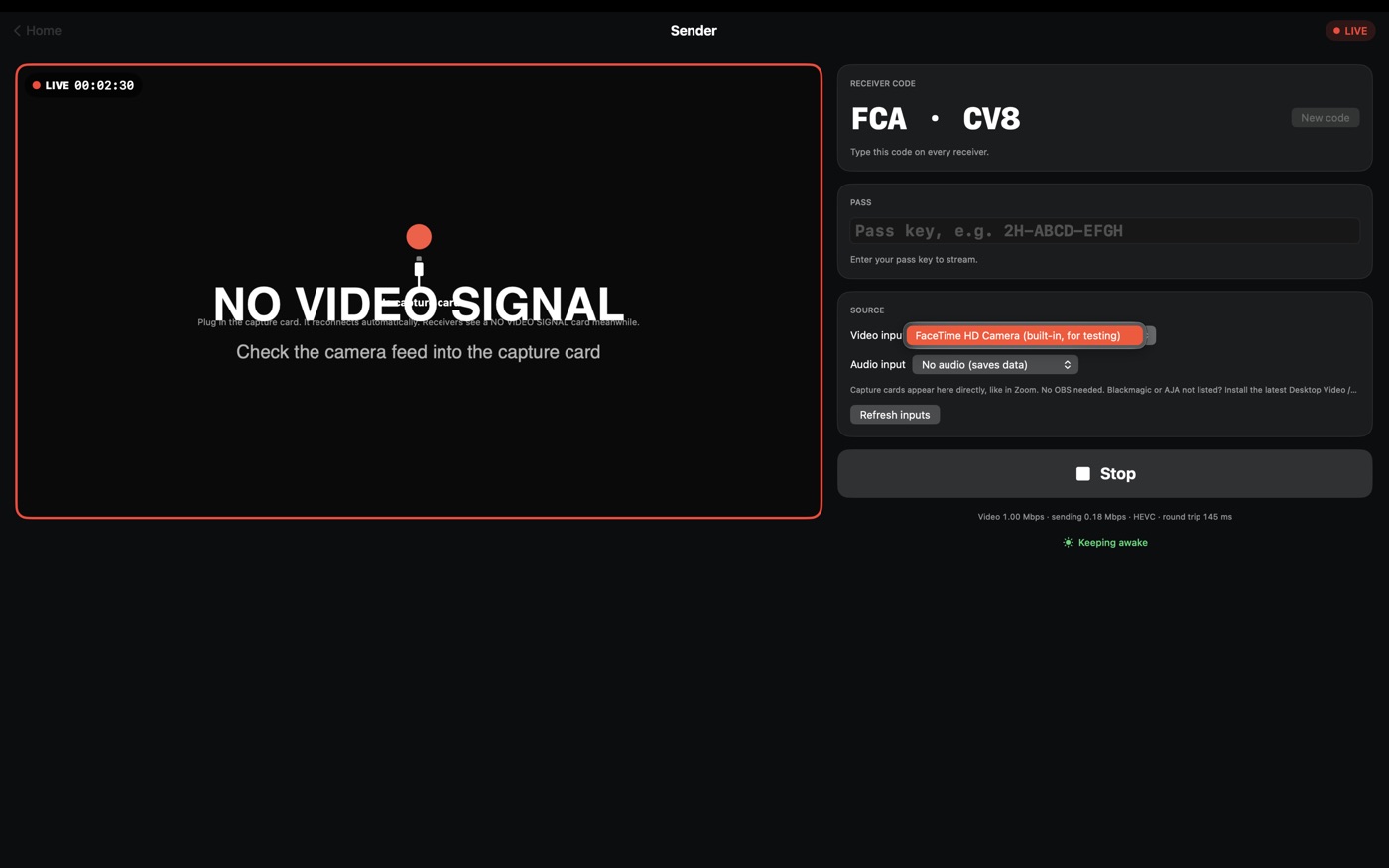
How it works
1. Send
Connect your camera to an iPad or Mac through a capture card. Tap Send video and Go live. A 6-character code appears.
2. Receive
On any iPhone, iPad or Mac, tap Receive video, type the code and press Start receiving.
3. Monitor
Use a USB-C to HDMI adapter on the receiver for a clean full-screen picture on a monitor.
Features
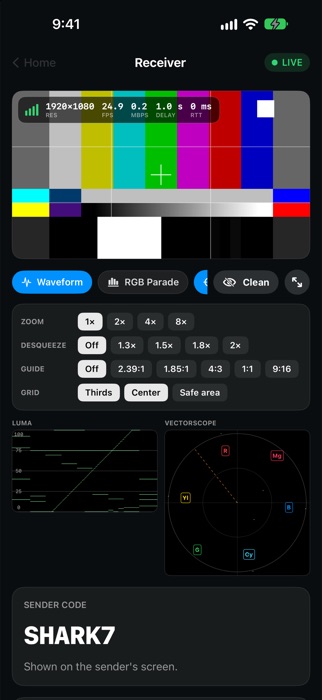
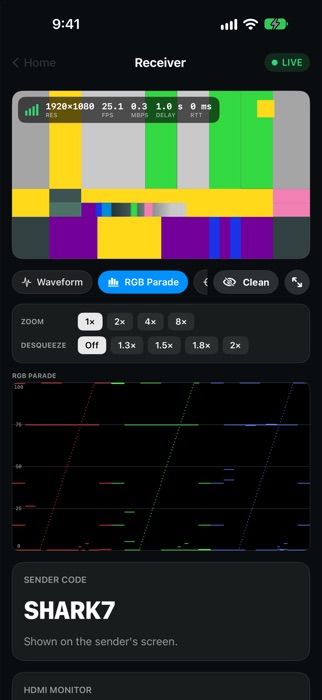
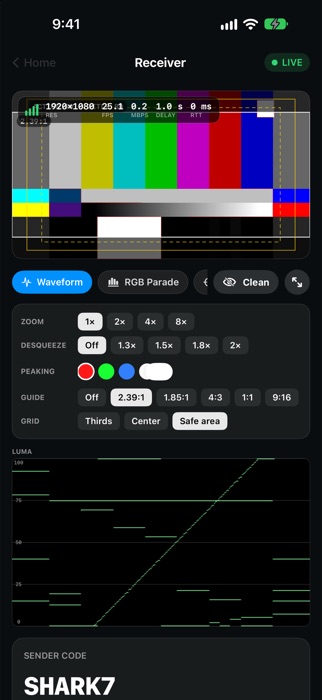
- Waveform, vectorscope and RGB parade
- False color and focus peaking
- Guides and info overlay
- Encrypted stream, never recorded or stored
- Receivers are free; no account needed
Supported gear
Senders: USB-C iPads and Macs with a UVC or HDMI capture card, or a Blackmagic capture device. Receivers: iPhone, iPad and Mac. iPhone cannot be a sender, because Apple only allows capture devices on USB-C iPads and Macs.